Comparison
HP LaserJet 108a vs M141w vs Canon MF3010: which cheap laser printer?
Prices checked
Short answer
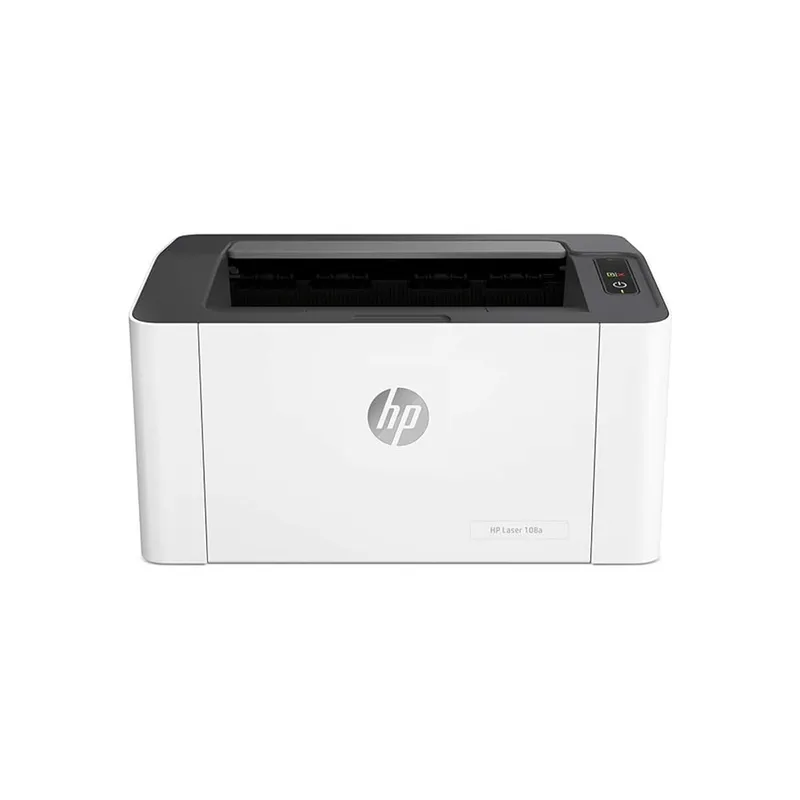
HP LaserJet 108a
GH₵1,650 – 1,950 across 5 sellers
See every price →Photo: Get4Less Ghana
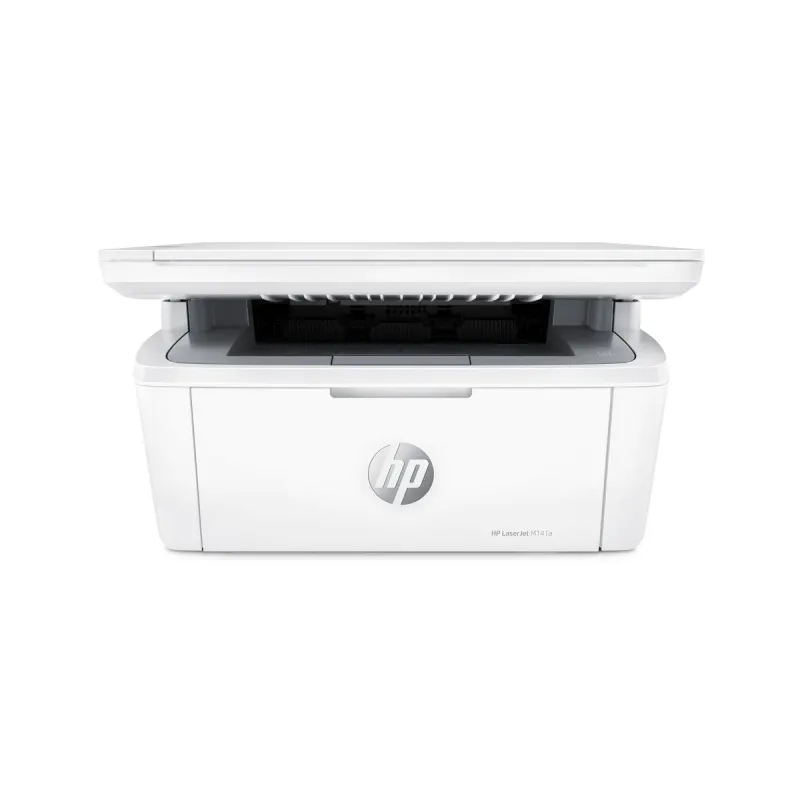
HP LaserJet MFP M141w
GH₵2,400 – 3,250 across 5 sellers
See every price →Photo: Get4Less Ghana

Canon i-SENSYS MF3010
GH₵3,250 – 4,000 across 4 sellers
See every price →Photo: Get4Less Ghana
Which should you buy?
Choose the HP LaserJet 108a if…
you only print, from one computer, and want the lowest price. It's print-only and connects by USB.
Choose the HP LaserJet MFP M141w if…
you need to print, copy and scan, and want to print from phones or share the printer over Wi-Fi.
Choose the Canon i-SENSYS MF3010 if…
you need to copy and scan but are happy with a USB connection. Its toner cartridge is rated for more pages than the HP M141w's.
Side by side: specs and running costs
| HP LaserJet 108a | HP LaserJet MFP M141w | Canon i-SENSYS MF3010 | |
|---|---|---|---|
| Price in Ghana (new) | GH₵1,650 – 1,950 | GH₵2,400 – 3,250 | GH₵3,250 – 4,000 |
| Functions | Print only | Print, copy, scan | Print, copy, scan |
| Largest paper | A4 | A4 | A4 |
| Colour | Black and white | Black and white | Black and white |
| Print speed | 20 pages a minute | 20 pages a minute | 18 pages a minute |
| Two-sided printing | Manual | None | None |
| Document feeder | None | None (flatbed scanner) | None (flatbed scanner) |
| Connections | USB only | Wi-Fi, Wi-Fi Direct, USB | USB only |
| Paper capacity | 150 sheets | 150 sheets | 150 sheets |
| Toner or ink | HP 110A toner (HP's listed replacement; check the box for your region) | HP 150A toner (in markets like Ghana; 141A or 142A elsewhere) | Canon Cartridge 725 (Asian imageCLASS units use 325) |
| Rated yield | About 1,500 pages | About 975 pages | 1,600 pages (700-page starter in the box) |
| Worth knowing | HP recommends 100 to 1,500 pages a month | HP recommends 100 to 1,000 pages a month | Canon suggests 250 to 1,000 pages a month |
Swipe the table sideways to see every column →
Specs from the manufacturers' published pages (linked below). Cost per page uses the lowest toner or ink price we found and the rated yield; real pages with photos or heavy text cost more.
Who are these printers for?
All three are small, black and white laser printers for homes, students and small offices printing up to about a thousand pages a month. Laser printers are a good choice if you mostly print text: pages come out sharp and dry, and the toner doesn't dry out if the printer sits unused for weeks.
None of them prints in colour, prints both sides automatically or has a document feeder. If you need those, look at larger office printers in our printer price list or an office copier.
Print-only or all-in-one?
The HP 108a only prints. The HP M141w and Canon MF3010 also copy and scan on a flatbed glass, one page at a time.
If anyone in your home or office ever needs to copy an ID card or scan a document, the small price difference for an all-in-one is usually worth it.
Wi-Fi or USB?
The HP M141w has Wi-Fi and Wi-Fi Direct, so several people can print to it and you can print from a phone. The HP 108a and Canon MF3010 connect only by USB cable to one computer.
For a single desk, USB is fine. For a shared office or a family, Wi-Fi saves a lot of hassle.
What does the toner cost you?
Small laser printers use small cartridges, which is where running costs creep up. According to the manufacturers:
- HP 108a: HP 110A toner, about 1,500 pages.
- HP M141w: HP 150A toner in markets like Ghana, about 975 pages.
- Canon MF3010: Canon 725 cartridge, 1,600 pages. The cartridge in the box is a 700-page starter.
Cartridge codes vary by region, so check the code on the box and confirm the seller stocks replacements before buying. Compare current toner prices and work out your cost per page. If you print in colour or want the lowest cost per page, an ink tank printer may suit you better.
Before you pay
Before you buy a printer: what to check
A cheap printer can be expensive to own. A few minutes of checking now saves money every month afterwards.
Check the cost of ink or toner, not just the printer. Find the cartridge or bottle it uses, look up its price and how many pages it prints, and work out the cost per page.
Match the printer to what you print. Mostly black and white documents suit a laser printer; colour, photos and mixed use suit an ink tank. Need to scan and copy too? Get an all-in-one.
Make sure it's genuine and new. Ask whether the box is sealed and whether the starter ink or toner is included. Prices far below other sellers are a warning sign.
Ask about the warranty and who honours it. Keep the receipt and check whether the seller or a local service partner handles repairs.
Check how you'll connect. USB only, or Wi-Fi and phone printing? Confirm before buying if several people will share it.
If it will sit unused for weeks, think twice about inkjet. Ink can dry in the print head. A laser printer copes better with occasional use.
Not sure what to ask? We can get you up to three written quotes to compare side by side.
Questions people ask
Which is the cheapest laser printer in Ghana?
Among models we track, the HP LaserJet 108a is one of the cheapest, listed at GH₵1,650 to GH₵1,950 in October 2026. It's print-only with a USB connection.
Does the HP LaserJet M141w have Wi-Fi?
Yes. HP lists Wi-Fi and Wi-Fi Direct as well as USB, so it can be shared and used from phones. The HP 108a and Canon MF3010 are USB only.
Which toner does the Canon MF3010 use?
Canon Cartridge 725, rated at 1,600 pages. Asian imageCLASS versions use Cartridge 325. The printer comes with a 700-page starter cartridge.
Can these printers print on both sides automatically?
No. None of the three has automatic two-sided printing. The HP 108a supports manual two-sided printing, where you turn the pages over yourself.
Want written quotes for both to compare?
Tell us what you need and we'll get you up to three quotes from vetted vendors. Free, and no obligation.
Get 3 free quotes